
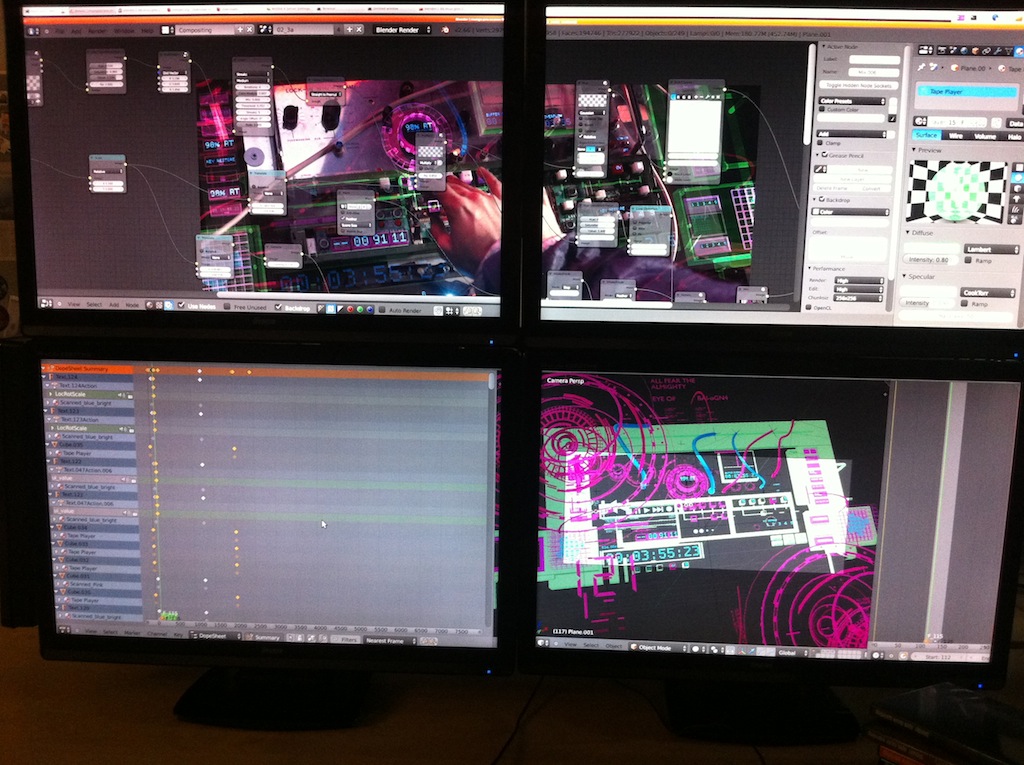
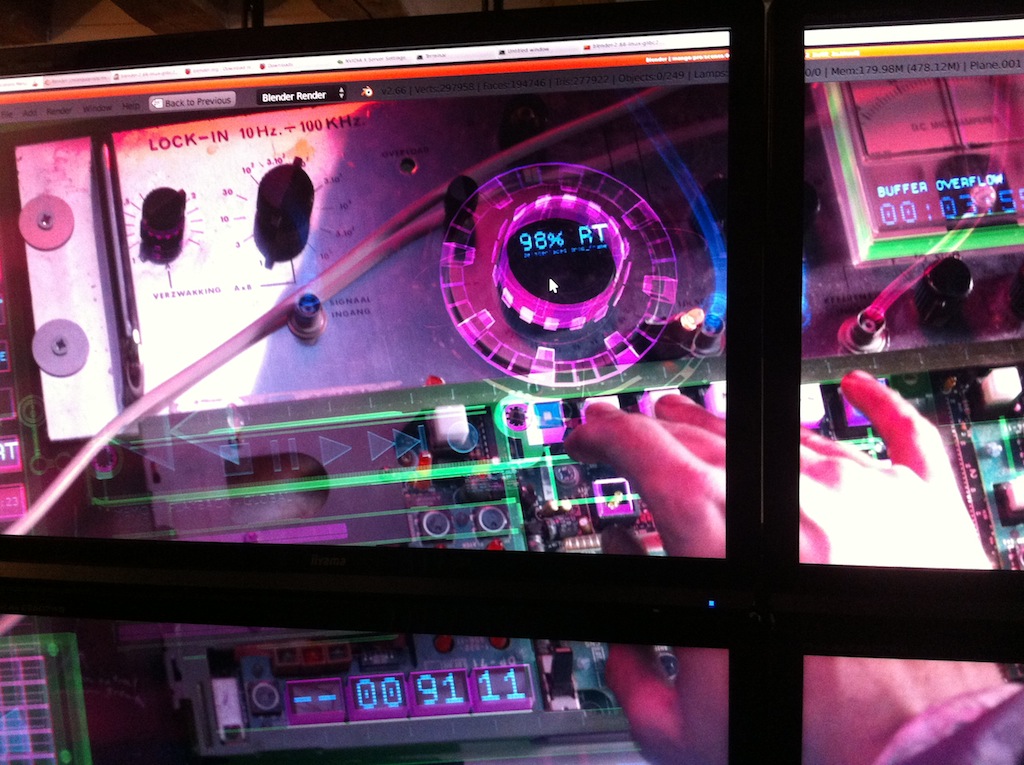
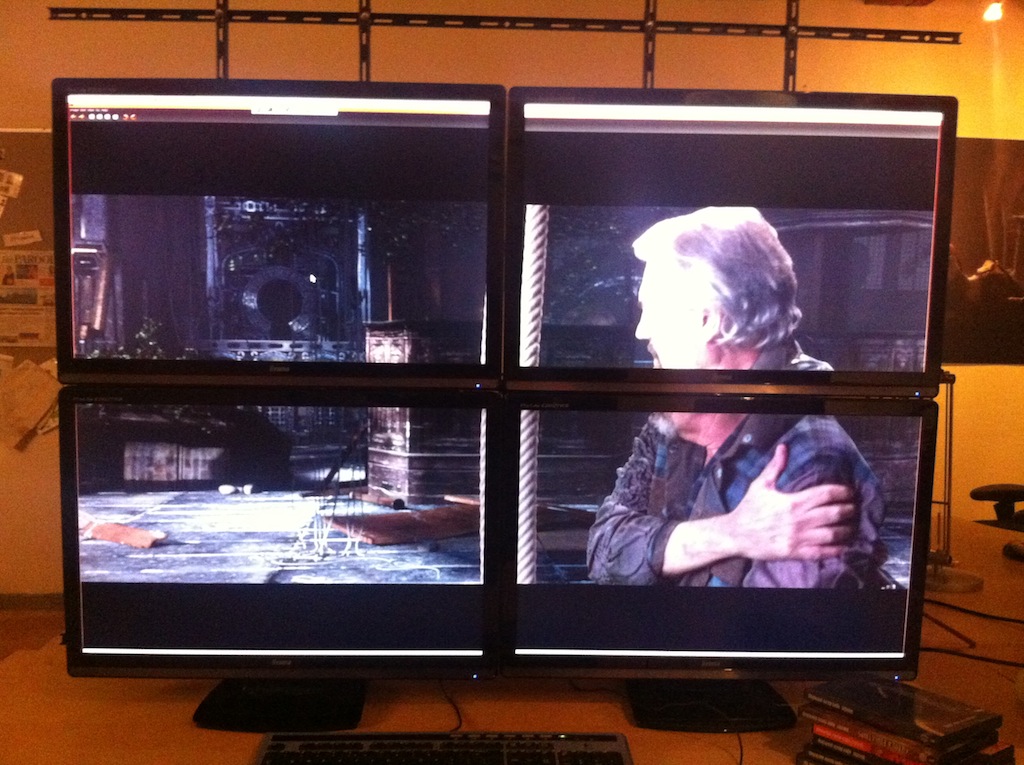
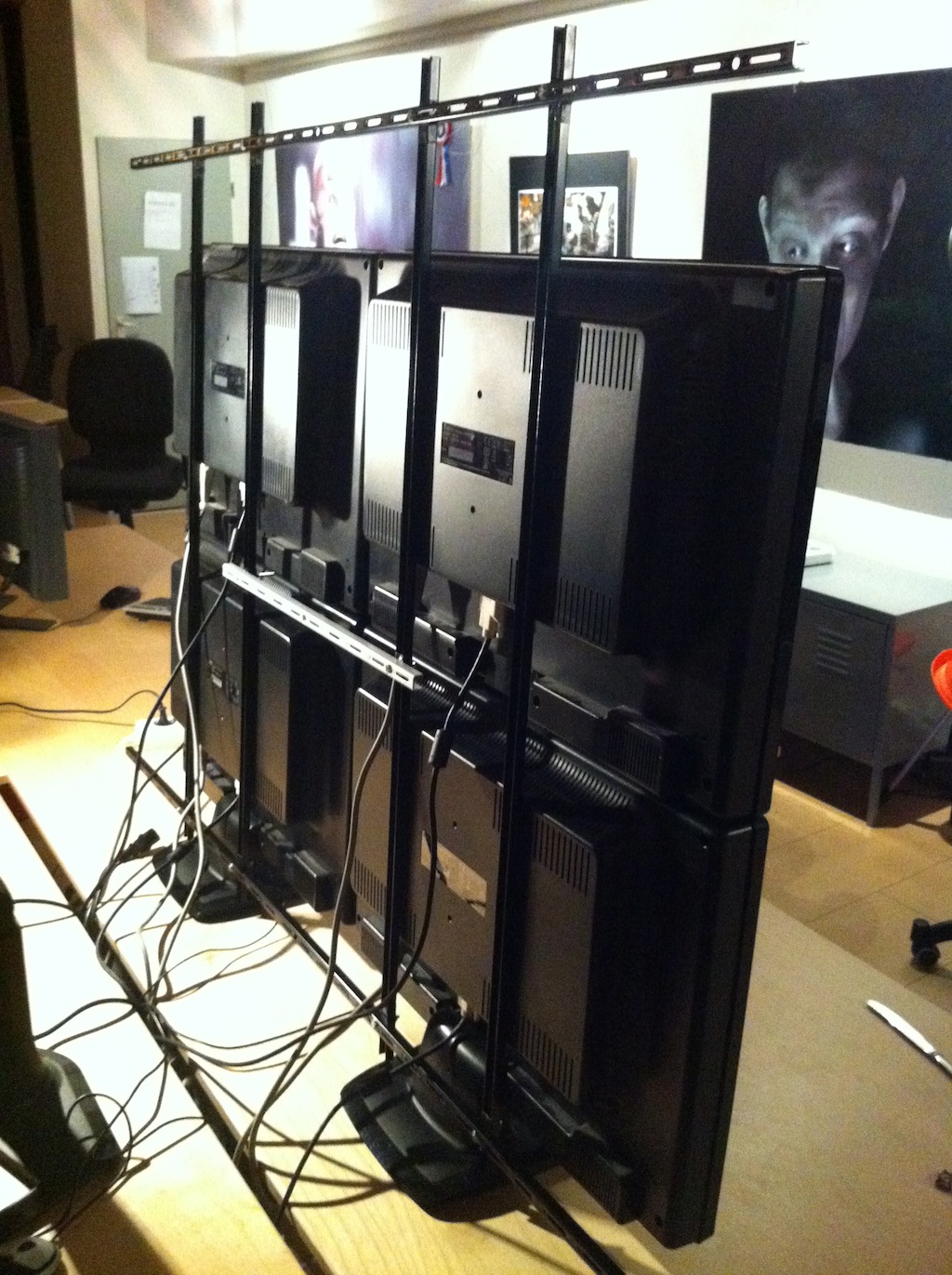
So then we want to view 4k as well! Here’s a quick making-of.
- We selected 4 monitors that can be wall-mounted, with a foot you can remove. Our 26″ Iyama screens worked perfect.
- In the hardware store I bought “shelves rail” which is sturdy and has enough holes for the screens to mount.
- With everything mounted, it was even standing reasonably firm on the bottom two screens
That was the easy part! Now get X11 to show a full desktop with 2 graphics cards and 4 monitors… how we got it to work:
- You need two identical cards, different NVidia types mixed didn’t work
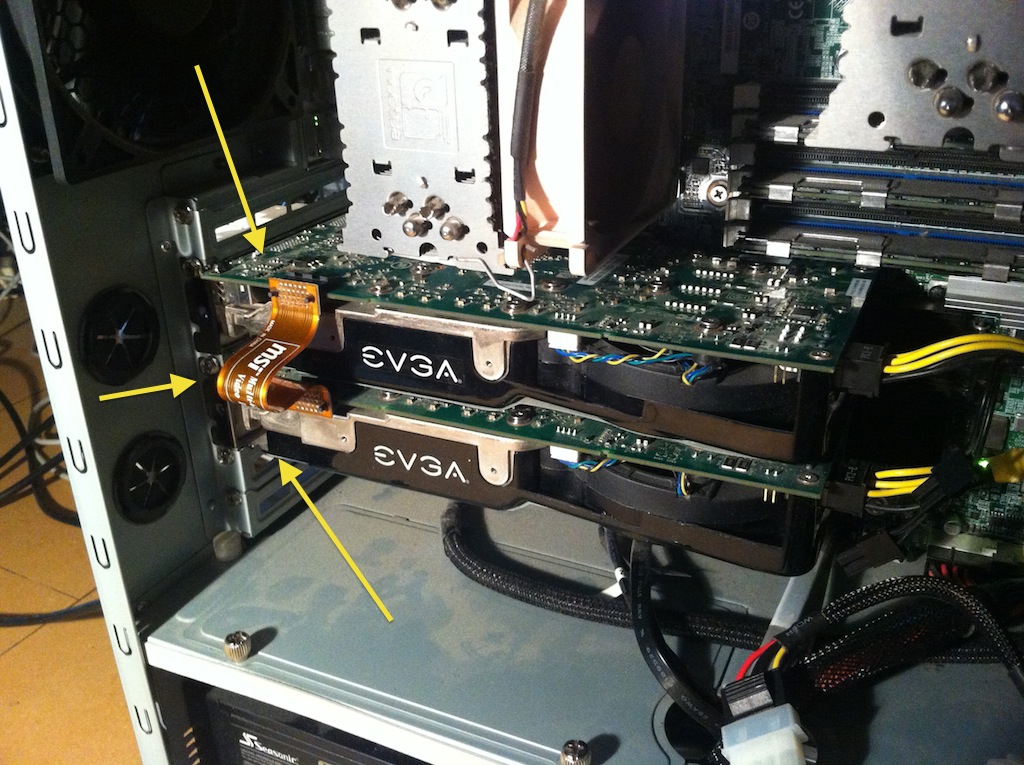
- The cards have to be connected with an SLI bridge (see image)
- Sudo mv your /etc/xorg.conf away to a backup name, restart system with all monitors connected
- Start the Nvidia X Server Settings panel, “detect displays”, enable “twinview” and “Xinerama” for the screens, and arrange them in the right layout. This might take a couple of steps of “Save settings” and logout/login to see the effects.
- The Gnome desktop insisted on drawing footer/headers on every monitor, and even doubling/tripling them. But with Xfce it was all perfect.
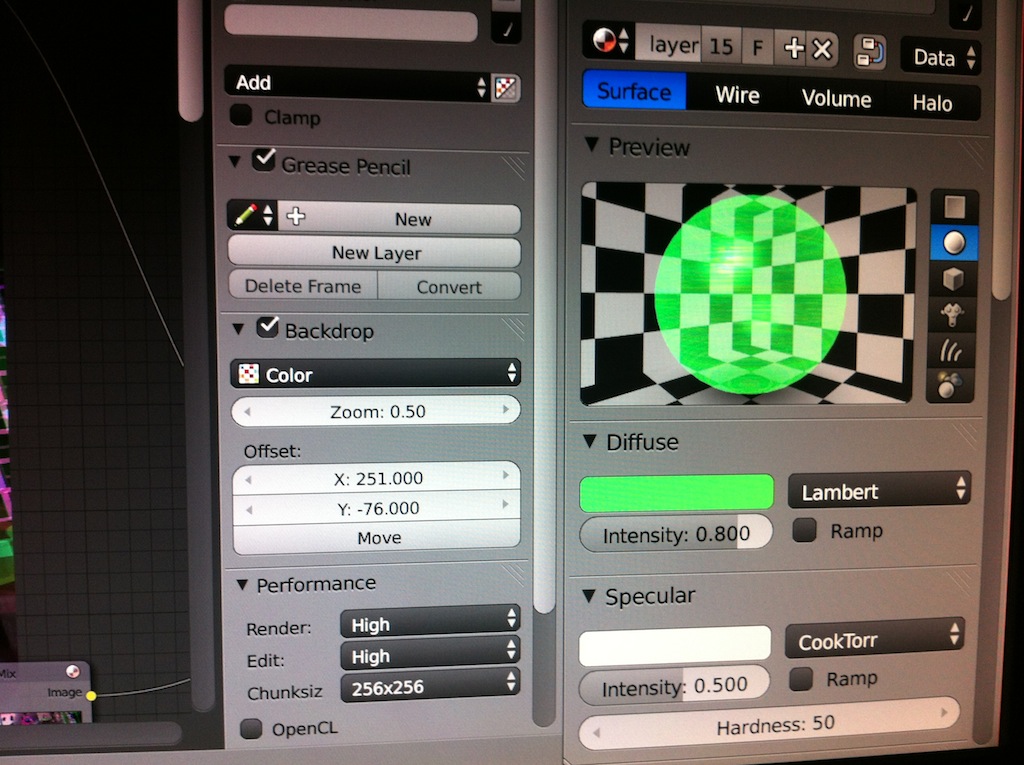
And voila, we even had Blender running! And more awesome, in the fresh 2.66 release the Blender “DPI” option (user prefs) scales a UI smoothly and crisp to double size as well. Works totally amazing :)
This is very promising for the future 4k computer monitors that soon will be available for more reasonable prices!

This is awesome. I don’t have 4 monitors, but I never thought of this idea. Clever solution. Thanks for sharing.
Do you have the distortions called “mullions”?
Search for “mullions” in this page for the explanation:
http://www.pixell.com/what_is_a_vw.htm
We need this setup to proof check renders, so all pixels are being drawn. Looks ugly with the wide monitor bezels, but acceptable.
I think you will work better if there is not this black border that cut the whole space into four screen. Have you consider to dissable the screen to keep only the LCD part and then assemble it togetehr ?
I would give something like this http://media.ldlc.com/bo/images/fiches/moniteur_lcd/samsung/md230x6/fin.jpg
This is exactly what I mean. Didn’t see this comment when I posted down there.
You could use a borderless monitor, you can get them with a bezel as small as 7mm I believe.
The AOC one is 11mm but cheaper
Yeah, the border on theirs would be pretty distracting. A smaller boarder would be much better when working with the full video.
P.S. It’s strange to find someone else named “Tycho”, even stranger to find out that they too use blender. Are you my doppelganger?
Hmm, do you think it would be possible to remove the monitors’ casing, and get them closer together?
I guess we could. But I also like to use the monitors later again in regular ways.
I use FirePro v7800 that support up to 3 displays, as addition I have GTX 660 Ti that supports up to 4 displays. Generaly i can combine up to 7 displays on my PC.
Will the next Blender open movie be 4k? What is it’s operating name (fruit type)?
Hi, all. Greetings from Brazil!
I have a regular dual-core PC (Pentium 4, 3.0GHz in a P5ND2-SLI ASUS mainboard, 2GB RAM) with two identical SLI-cards, dual-boot ready (W7 Ultimate + Ubuntu 10 for now, going for Ubuntu 12). It is 4-monitor ready, but I am still using a single one (Samsung SyncMaster S19B300, with HDMI input). I will surely plug 4 LCD’s in it ASAP (in a couple of weeks) for many reasons, running Blender 2.66 being the main one. Although it is NOT a new MBoard, does anyone know if this configuration will suffice?
BTW, I have a pack with 6 DVD’s coming from the Netherlands to be delivered soon… Tears of Steel, Vehicle Modeling, Interior Architectural Visualization and DVD Training 5, 6 and 7. Much to see, much to learn, much to do…
Best regards.