Here’s a short demo of one of the scripts that you can find on the DVD in the Mango SVN scripts folder. It’s called space_node_viewer_bookmark.py.
It’s a small utility to make navigating huge node-trees a bit easier, and we had a lot of those.
All the time while I was working with these huge node setups I thought that I would love to be able to define certain checkpoints in the node-tree to be able to quickly connect the viewer node to them to check out the result without having to zoom and scroll like crazy. Also jumping to the last node or comparing the result before and after some nodes was something that I always wanted to have. Continue
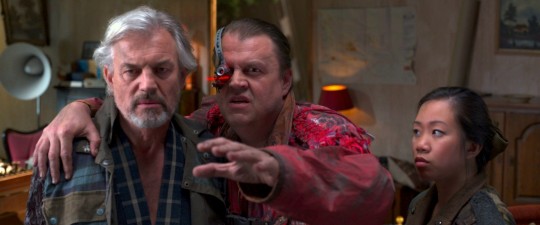
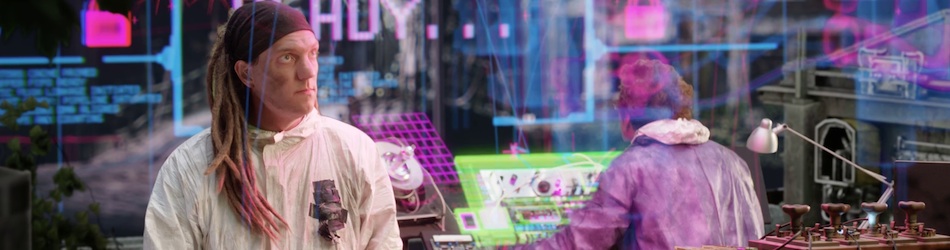
One of the very last minute changes to our was to add some extensions to the Captain’s eyepatch. This happened the 2 weeks after the pre-premiere of Tears of Steel. The original eyepatch just felt a little bit naked. I mean, after all it’s just a disassembled webcam with red LED, taped to a metal strip. So we thought that maybe we could enhance that a bit.
Kjartan modeled a small but very effective extension, and Ian created a holographic text overlay, which goes really well with the other holographic elements in the movie. All in all there were 16 shots where you see the captain’s face, there was quite a bit to track and composite. Luckily lots of these shots are quite similar so a lot of the lighting and composite setups could be copied over.
Today Ton setup an old Silicon Graphics Workstation at the Institute and installed TRACES on it, the predecessor of Blender. Totally amazing, because it already was very much similar to what later became Blender 2.49, and even in the current Blender you can see these roots.
If you want to see this live and in action come to this year’s Blender Conference!
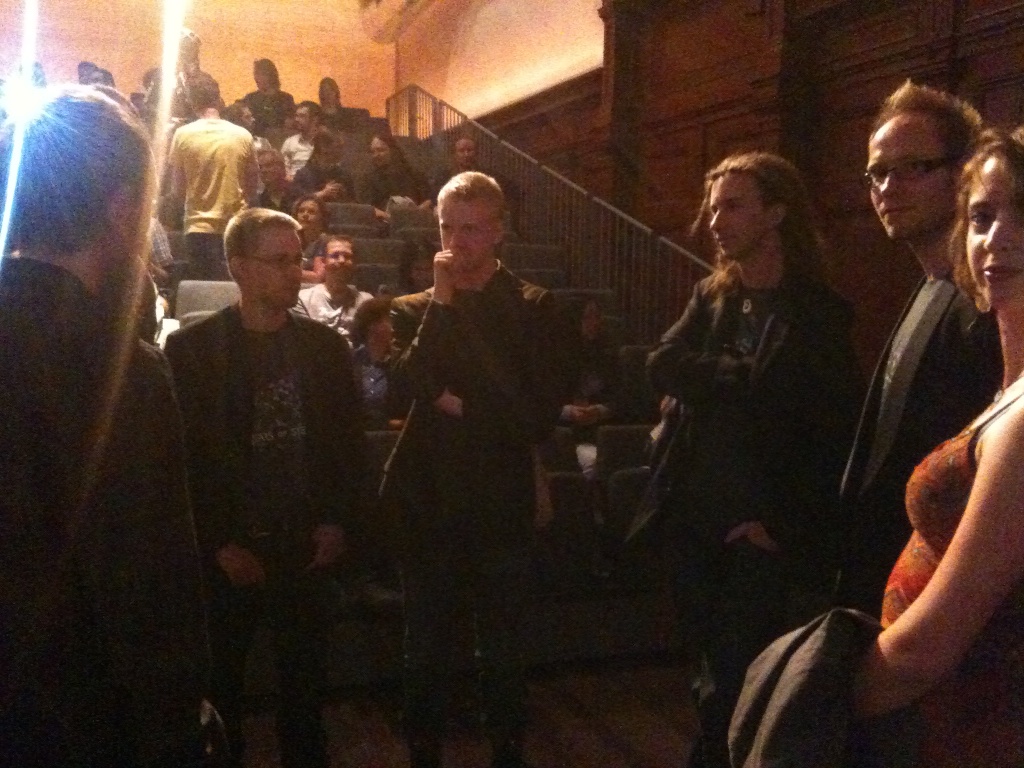
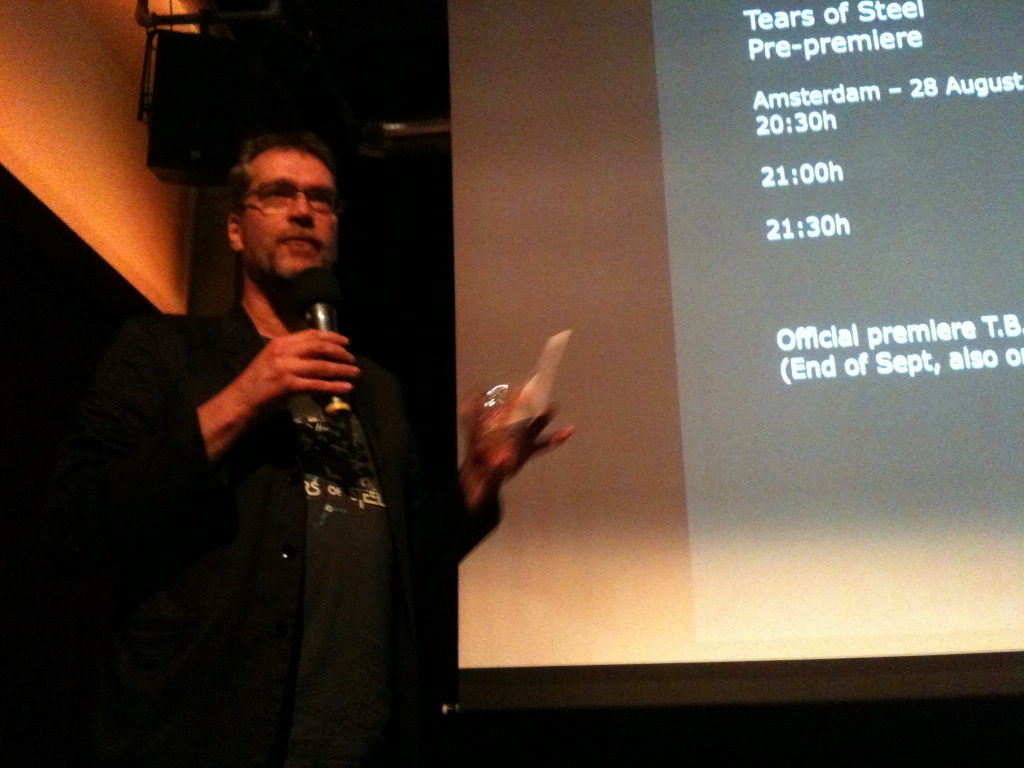
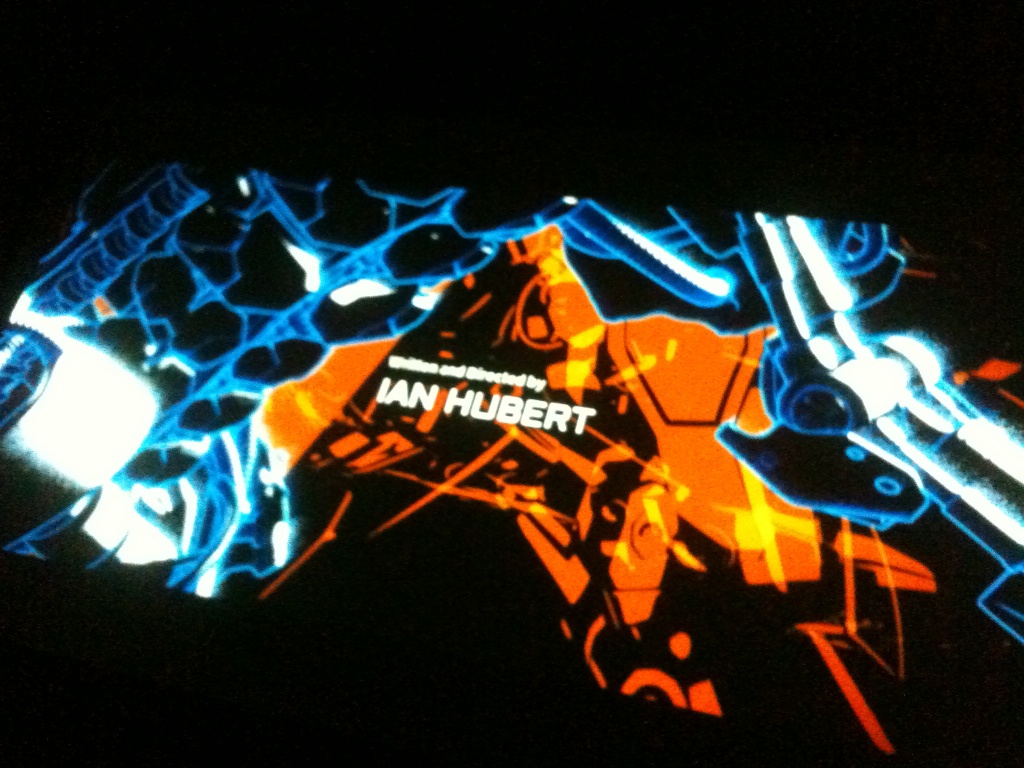
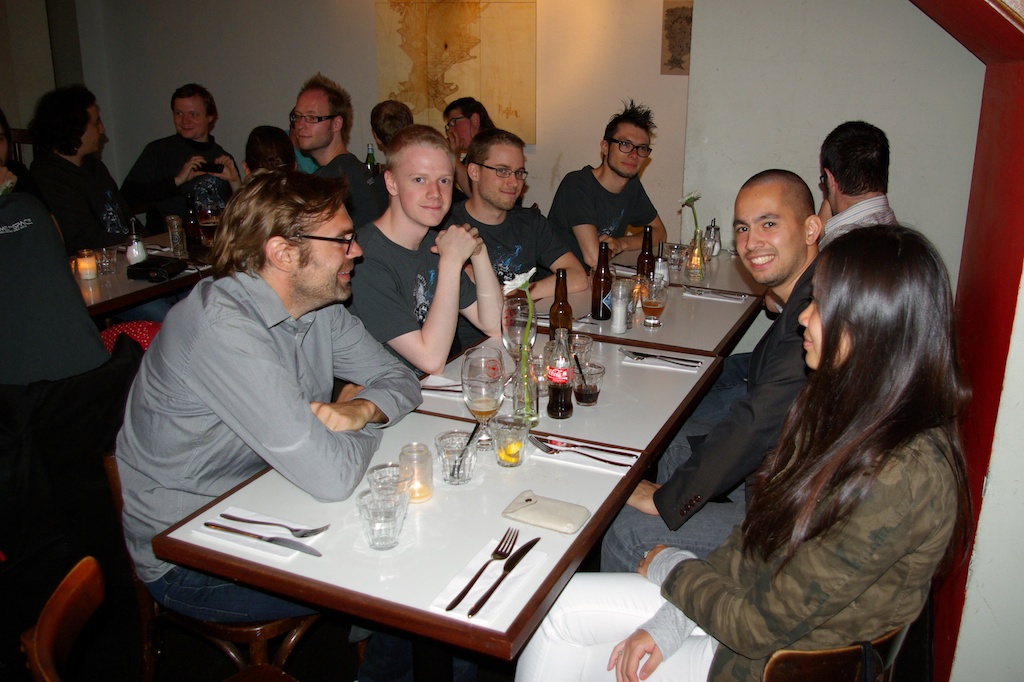
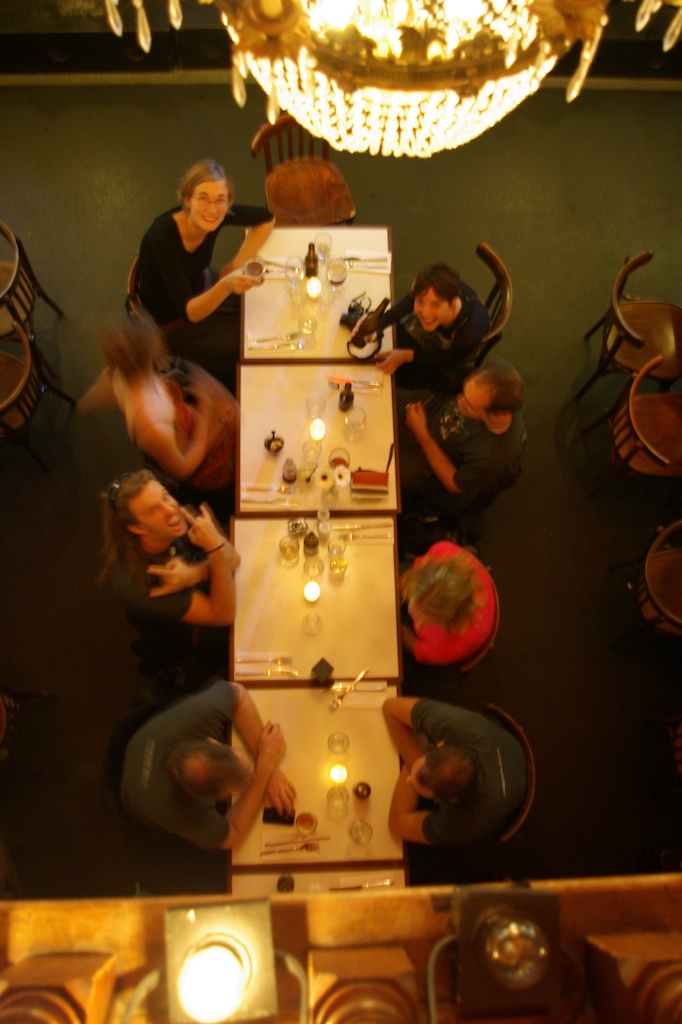
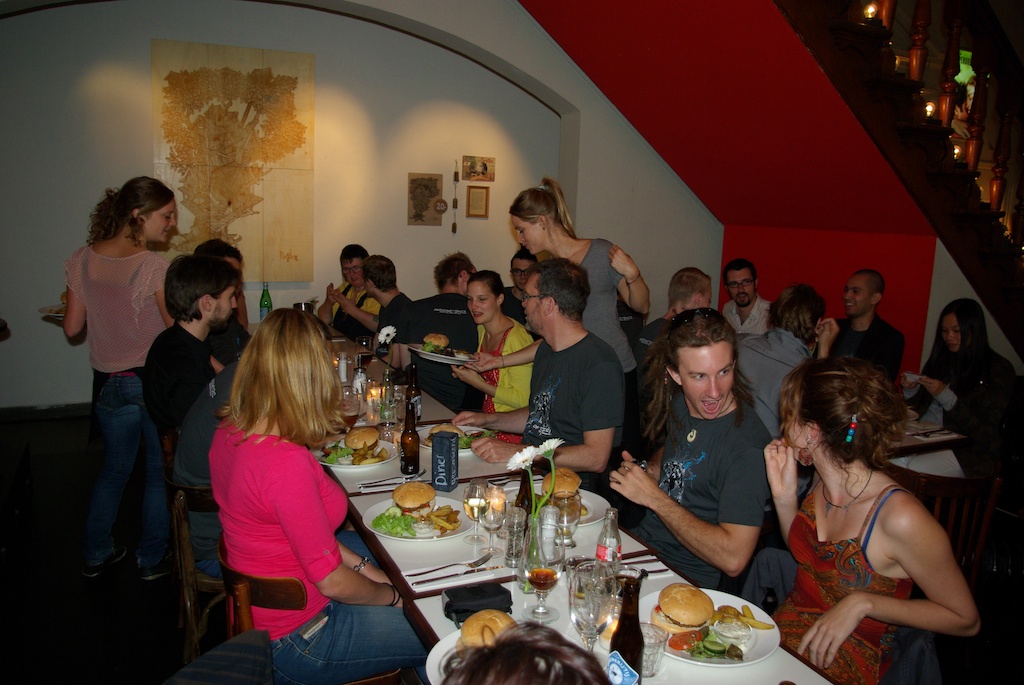
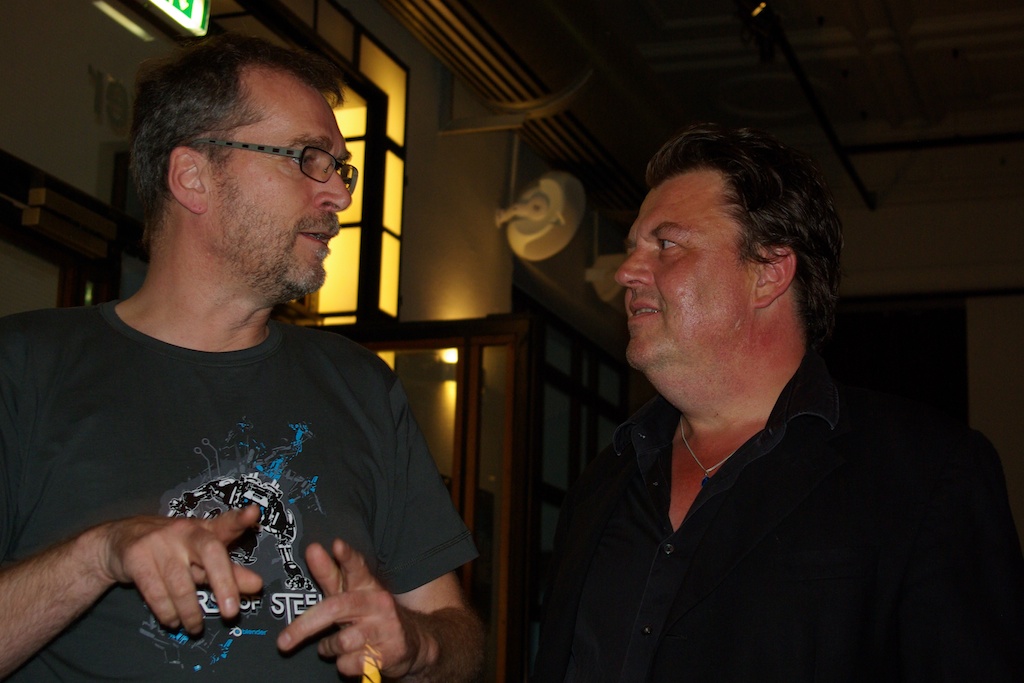
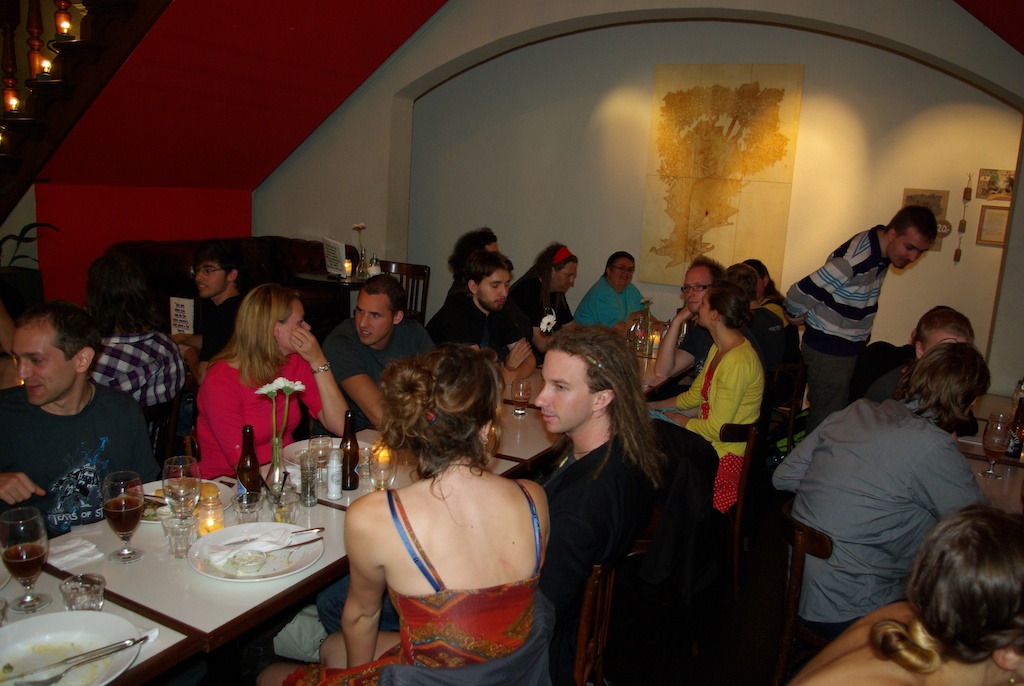
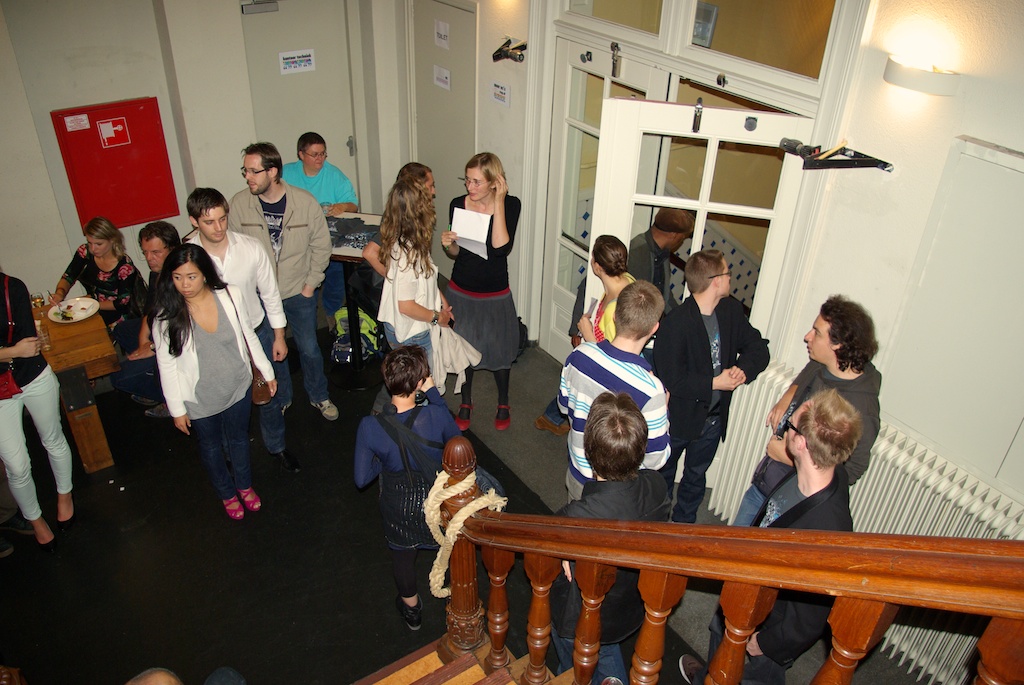
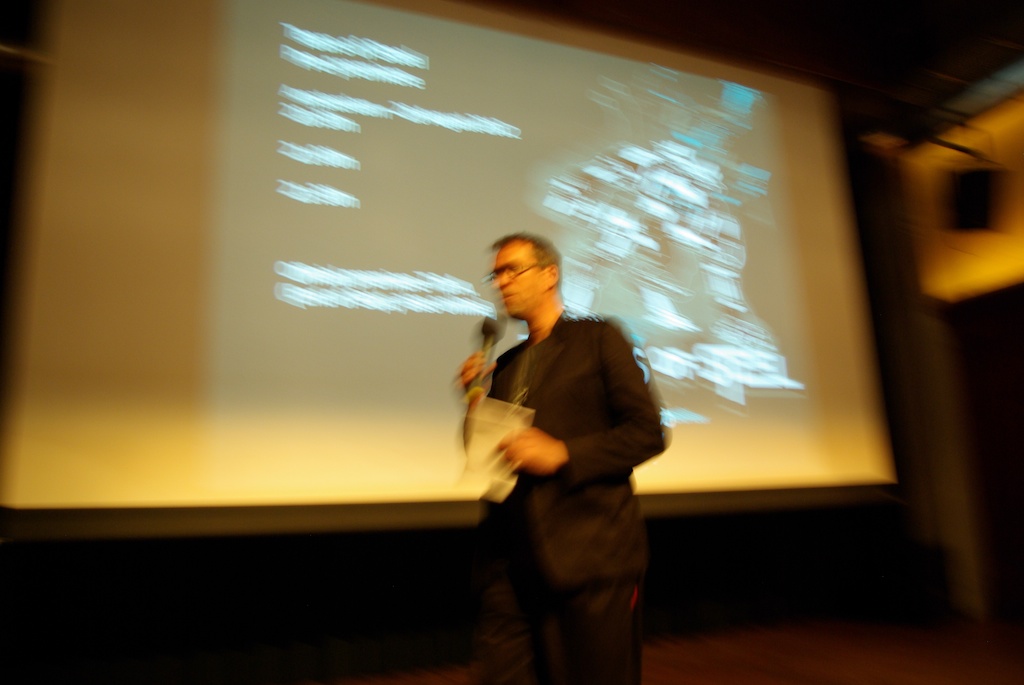
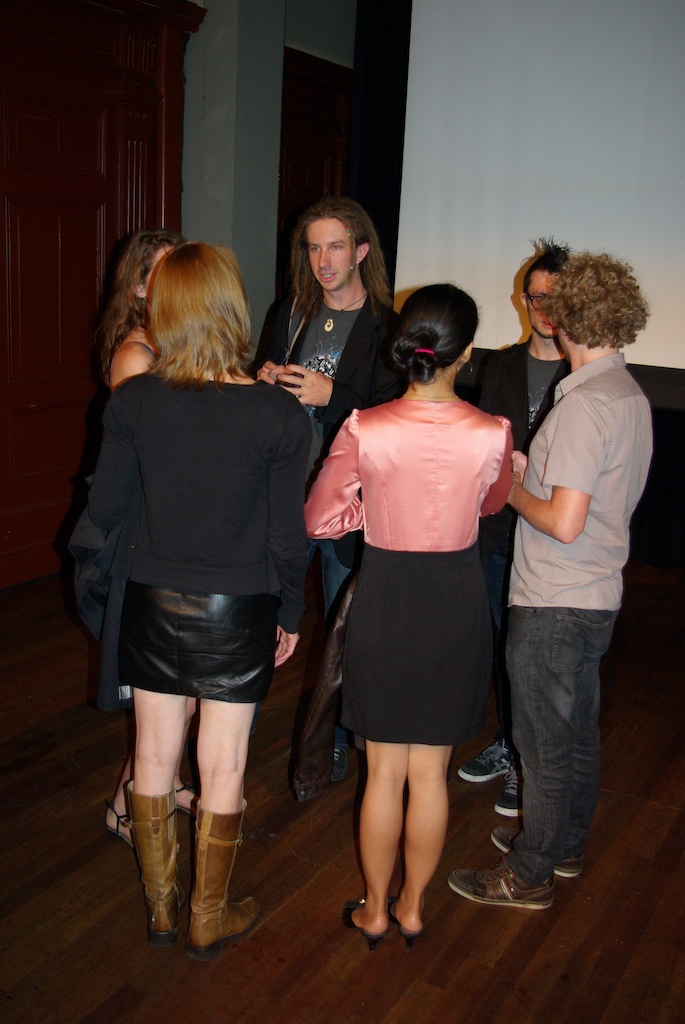
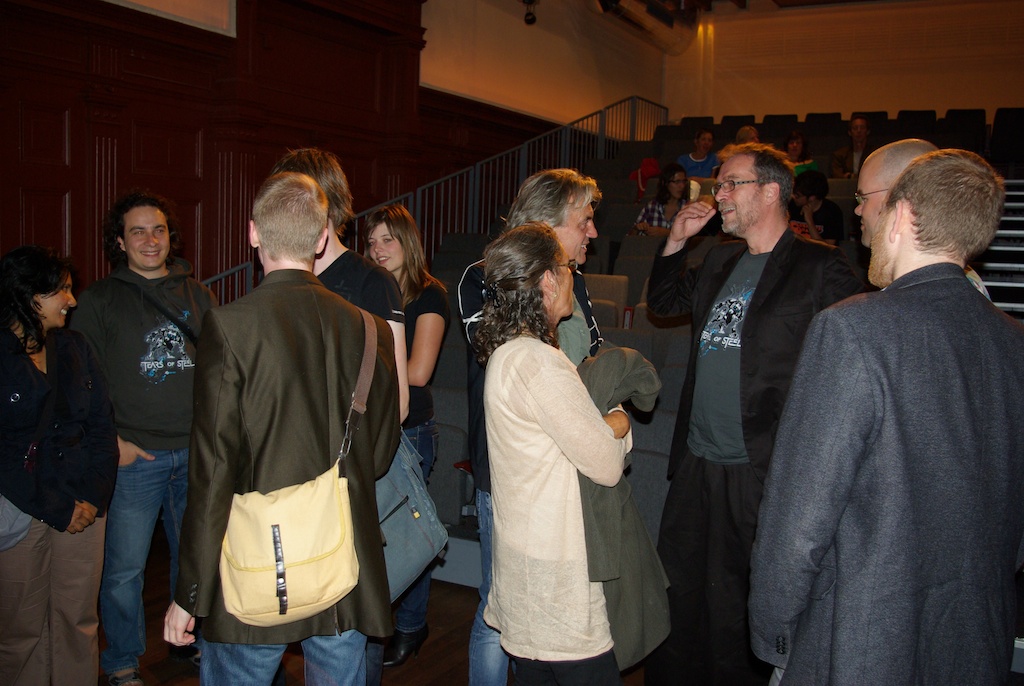
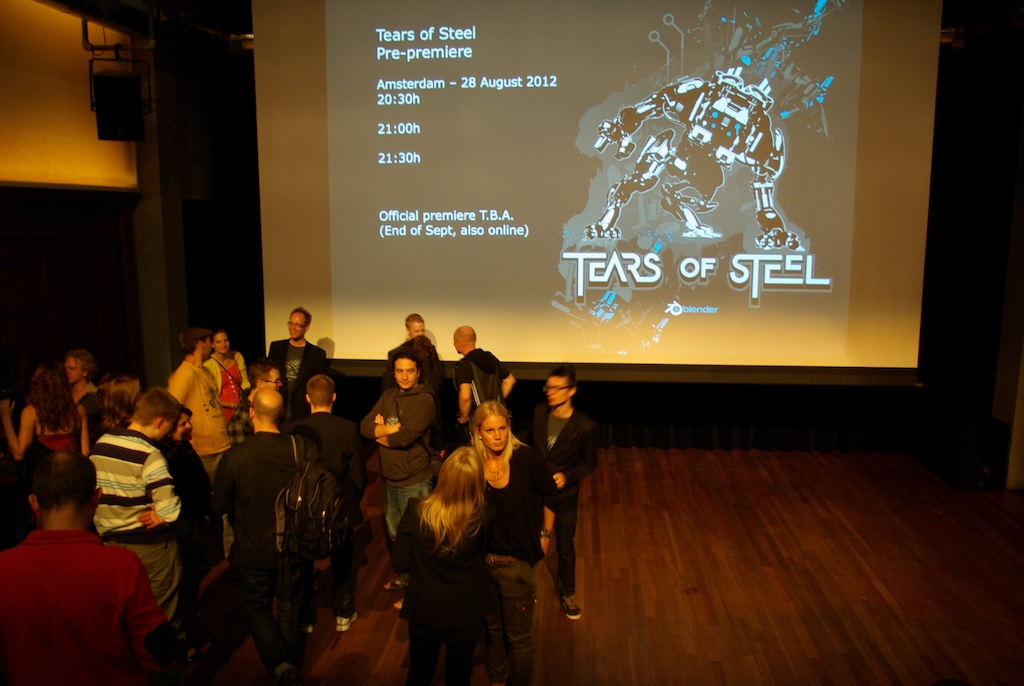
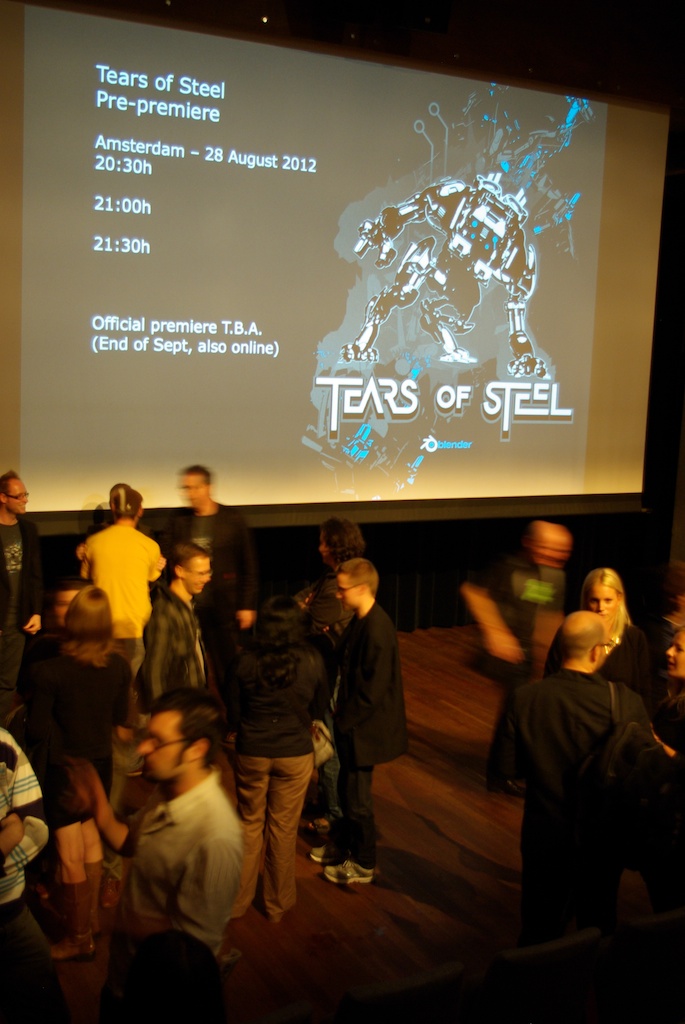
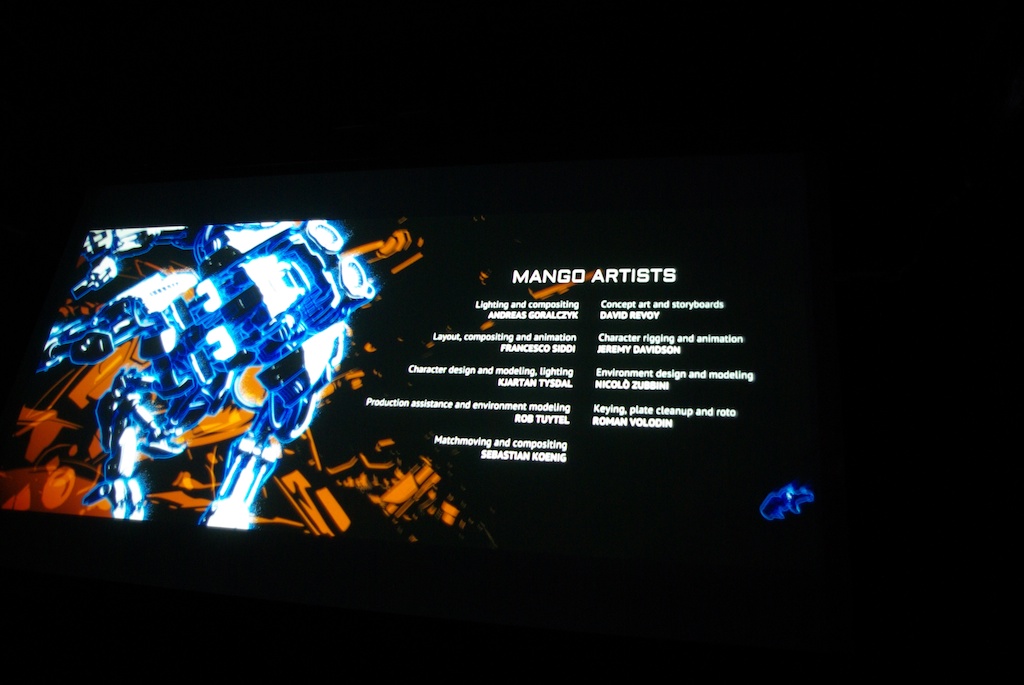
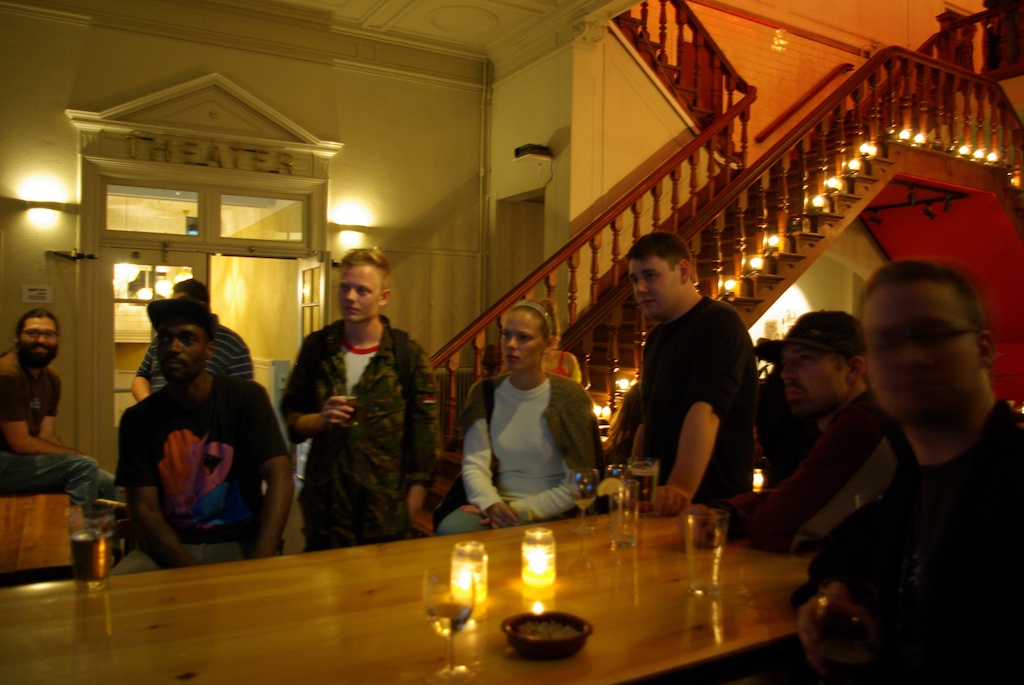
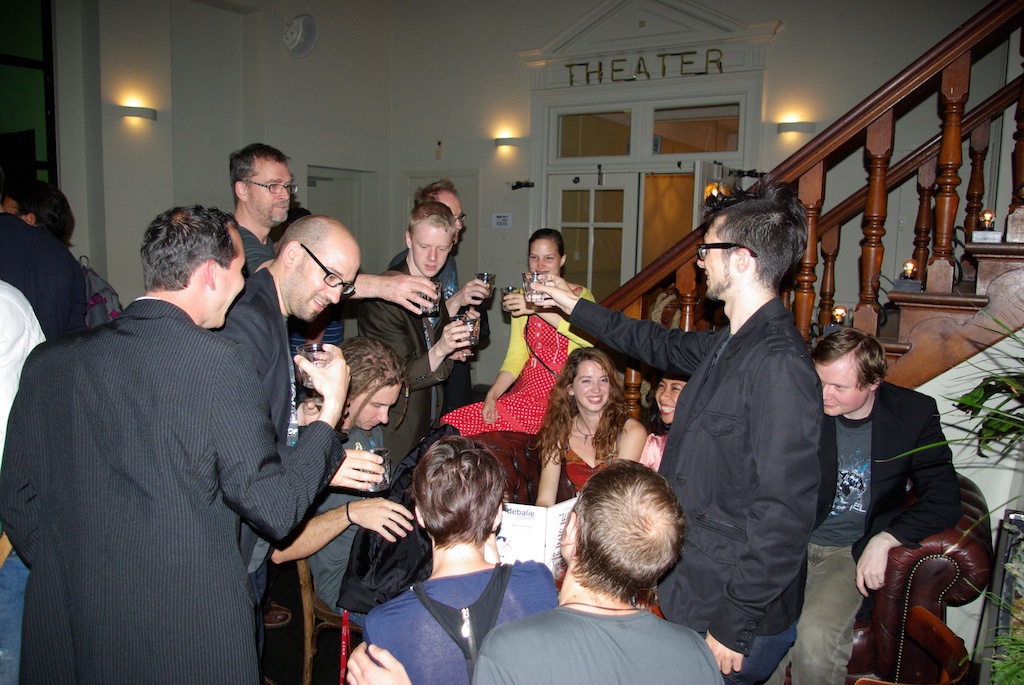
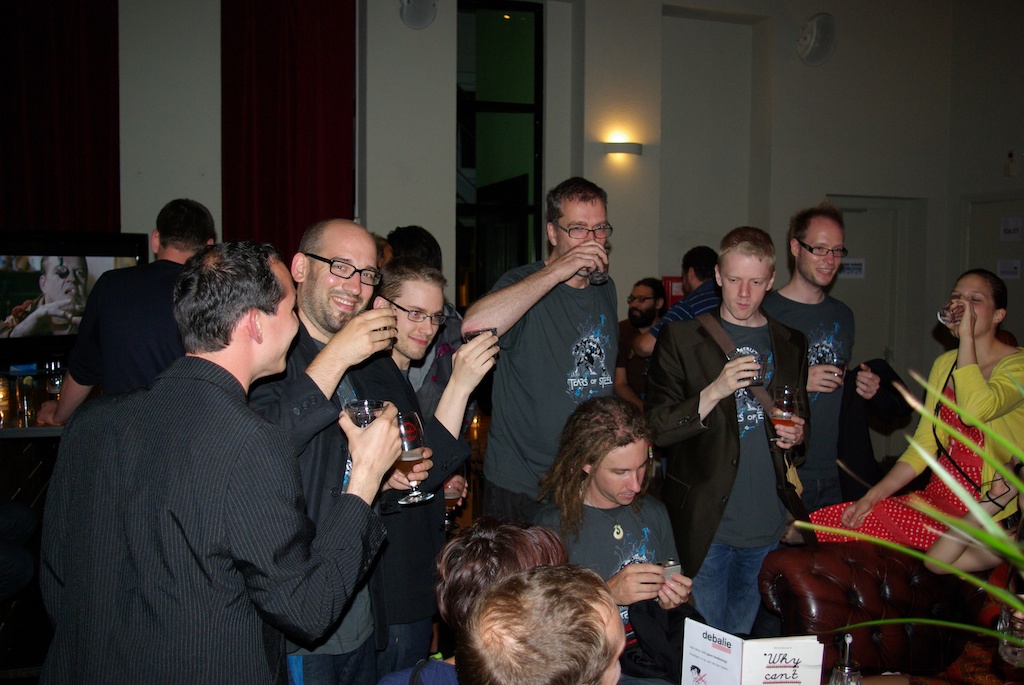
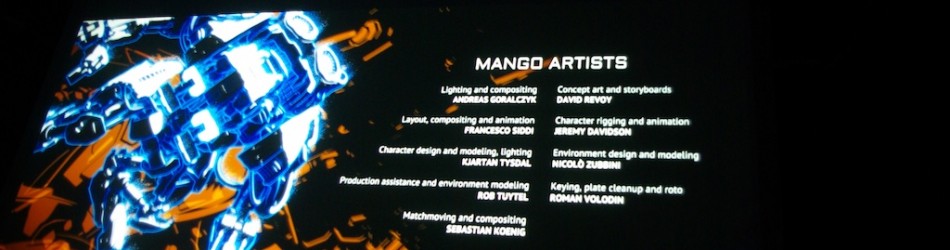
Some more phodos from the premiere (there will probably be even more in the next couple of days).
It was such a great evening!
We really enjoyed it and had lots of fun. Seeing the movie finally on the big screen with Joram’s awesome soundtrack was just great.
Now some days of recovery and then we’ll start polishing everything so we can present it to you guys!
Cheers!!
It’s weekly time again!
Since Ton has been visiting Siggraph last week and hasn’t come back yet we are doing the weekly without our beloved boss. And in 2 weeks it’s already premiere! OMG!
Time is flying like crazy, and we only have 3 more weeks to go until pre-premiere.
So we do a little bit of time-travel and go back 1 week in time when we have a whopping 4 weeks left until premiere and do some interviews and random stuff to give you some impressions from the studio.
This will probably be the most boring video of the whole project, but maybe someone finds it interesting. It is a timelapse demonstration of how we convert the footage from the RAW Sony F65 footage into something more useful, which in our case is OpenEXR in ACES Color Workspace. For that first conversion we have to use the F65 Viewer from Sony, which only runs on Windows and OSX, and also is not the most pleasant software to work with. Anyway, once we have the ACES EXRs we convert them to rec709 linear with OpenColorIO, which is Blender’s native colorspace, and we stay there as long as we can.
The whole workflow is maybe not very elegant, but so far it works quite well.
We also have to deal with 3 different naming conventions, which is the camera’s naming of the clips, the shotnumbers used on set (seen on the clapperboard) and the shotnumbers that we use here in the studio. Therefore part of my job is to keep track of the framenumbers, shotnumbers, In-Points, Out-Points, foldersizes, and so on. I have to find out which shot is used in the edit, which part of the shot is used and how long it is, in order to export and convert only what’s necessary.
After the conversions are done, and linear HD proxies have been generated, we erase the ACES files. Because oftherwise we would run out of diskspace very soon. Each frame is 50MB.
Here’s a little timelapse of the general workflow for our keying shots.
First we track the camera and save that as a blendfile. From that file we generate a new file that is then used as base for masking and keying. The tracking markers can often be re-used as a way to mask out stuff from the footage.
The cleaned footage is then saved as 4k openEXR files with premultiplied alpha channel.
A third blendfile is created as a base for that layout, swapping the footage for the clean plates and setting up the final shot dimensions (1920×800). That file is then handed over to the person that is then doing the layout for it. The scene layout for this scene was originally done by Andy.
Usually after the main composite is done I fix some alpha-blending issues that cannot be solved in the pre-key outside the main composite.
The key that you see here is still a little but too harsh on the one side of the head, but for the demo I didn’t want to tweak it too long.